
Shinigami
Administrators
-
Joined
-
Last visited
Files posted by Shinigami
-
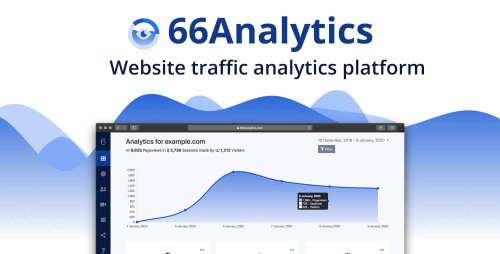
66Analytics - Web analytics made easy.
Self-hosted, friendly, all-in-one web analytics tool. Lightweight tracking, session replays, heatmaps, user journeys & more.
Simple, good looking & friendly
Most web analytics solutions do way too much when, in most cases, what you need is to glance over them and easily understand what is going on.
Simple 5-min installation process
Easy to understand & use
Modern & good looking
Everything at just a glance
The dashboard contains all the details you will need to know how you traffic is looking and evolving.
Evolution on the past 30 days (select the range yourself)
Top pages, countries, referrers
All about UTM's to know where which campaign is the most effective
Simple & custom Goals tracking
Other visitors details such as: Devices, OS, Browsers..etc
Understand your visitors
Evaluating your visitors behaviour and repeated actions is the best way to know what is working and what is not going so well.
View and get details of all the visitors
Analyze all their past sessions including the flow of the visited pages and their actions
Identify your visitors By connecting your logged in users from your app, to the tracking system by any identifier
- 0 Downloads